Two Factor Authentication
What is Two Factor Authentication?
Two-factor authentication (2FA) means a login needs a second proof of identity, such as a code from an authenticator app or a tap on a security key, as well as your password. Turn it on for every crypto exchange, your email and your password manager, prefer passkeys or security keys over app codes and app codes over SMS, and save your backup codes before you need them. 2FA protects accounts; it does not protect a self-custody wallet, which depends on keeping your seed phrase safe. The key points:
- Secure your email first, because it can reset almost every other account.
- SMS codes can be stolen through SIM swaps; use them only as a fallback.
- App codes can still be relayed by fake login pages; passkeys and security keys cannot.
- Pair exchange 2FA with a withdrawal whitelist.
The Australian Cyber Security Centre’s guide to multi-factor authentication explains how to switch it on, and Scamwatch tracks the scams that target crypto accounts.
Two-Factor Authentication (2FA) is an extra layer of security designed to ensure that only you can access your crypto accounts or wallets, even if someone else knows your password.
It works by requiring two forms of verification before granting access:
- Something you know: your password or PIN.
- Something you have: such as a code from your phone, an authenticator app, or a hardware device.
By combining both forms of security together, 2FA drastically reduces the risk of unauthorised access. Even if a hacker obtains your password, they can’t log in without your second verification factor.
Both in and out of the crypto world, 2FA is one of the simplest yet most effective security tools available, and should be enabled on every exchange and online account that supports it.
How Does Two Factor Authentication Work?
When you enable 2FA, you link your account to an authenticator method. Each time you log in or make a transaction, the system will ask for a temporary code from that method. Usually this code is on a timer, resetting every 30 seconds continuously.
Here’s how it typically works:
- You enter your username and password.
- The platform asks for a 2FA code.
- You open your authenticator app or receive a text message containing a 6-digit code.
- You enter the code within the given time window (usually 30 seconds).
Once verified, access is granted.
Even if an attacker has your login credentials, they can’t access your account without the live 2FA code.
Types of Two-Factor Authentication
Not all 2FA methods offer equal protection. Here’s a breakdown of the most common types:
App-Based 2FA
Uses apps like Google Authenticator, or Microsoft Authenticator.
- The app generates time-based codes that refresh every 30 seconds.
Works offline and is much safer than SMS, but codes can still be relayed by real-time phishing attacks.
Best for: Exchanges, email and high-value accounts.
SMS-Based 2FA
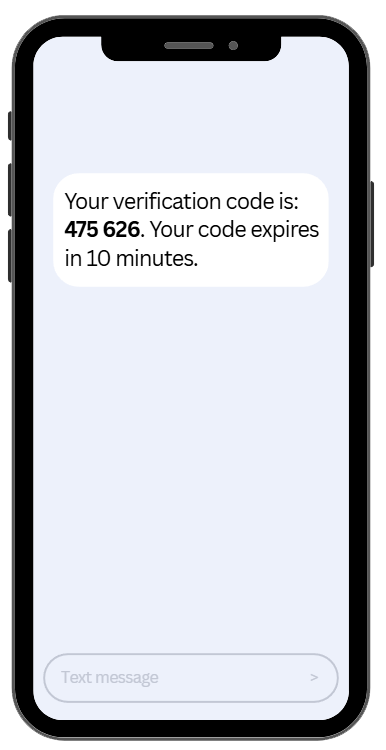
Sends a one-time code via text message.
Easy to use but less secure, as SIM-swapping attacks can intercept messages.
Best for: Basic protection on low-risk accounts.
Hardware-Based 2FA
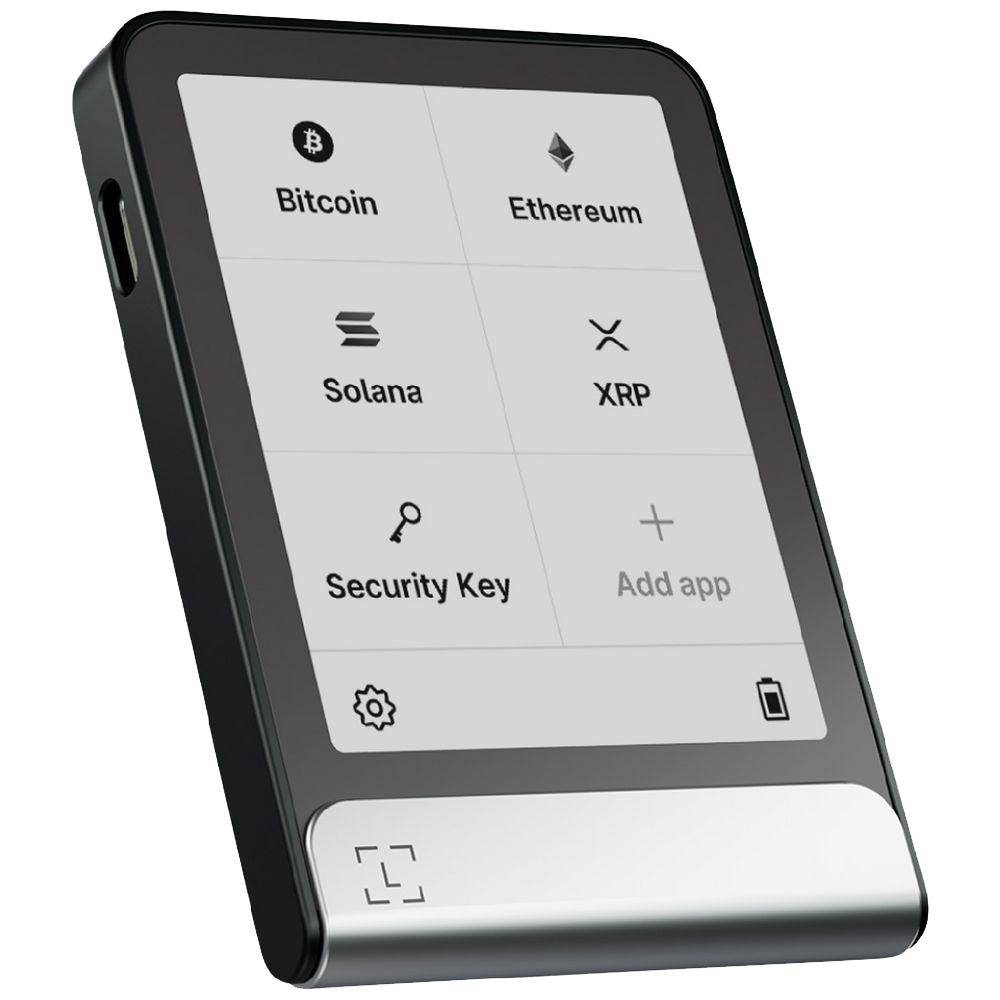
Uses a physical device you plug in or tap, such as a hardware security key. The key signs a login challenge from the site itself, so there is no code to read, type, or hand to anyone.
- Nothing is displayed on a screen, so nothing can be relayed to an attacker.
- The key checks the website address before it responds, which is what makes it resistant to phishing rather than just inconvenient for attackers.
Offers the highest level of protection since it requires physical possession. Best for: exchange accounts, your primary email, and any account that controls money.
Worth separating two things people often merge: a hardware security key protects a login. A hardware wallet such as a Ledger protects private keys. They are different devices solving different problems, and owning one does not cover the other.
Passkeys and Security Keys: The Strongest Option Available
App-based codes are a large upgrade on SMS. Security keys and passkeys are a larger one again, and most major exchanges now support them.
A passkey is a cryptographic credential stored on your phone, laptop, or a physical key. When you sign in, the site sends a challenge and your device signs it. No shared secret travels across the internet, and there is no six-digit number for you to misplace, screenshot, or read out to someone on the phone.
The part that matters most is quieter than it sounds: a passkey is bound to the exact website address it was created for. Put it on a convincing fake login page and it simply will not respond. It is not that the user is expected to notice the misspelt domain. The credential checks, every single time, and it does not get tired at 11pm.
That is the difference between a factor that is hard to steal and a factor that cannot be handed over by mistake. If an exchange, your email provider, or your password manager offers passkeys or security key support, take it.
How to Set Up Two Factor Authentication
This is the typical approach to setting up two factor authentication:
- Go to your account’s security settings
Look for “Enable 2FA” or “Two-Factor Authentication.”
- Select your preferred method
Choose an authenticator app or hardware device whenever possible.
- Scan the QR code
Use your authenticator app to scan the QR code displayed.
- Save your backup codes
These let you regain access if your device is lost. Store them securely offline.
- Confirm setup
Enter the generated code to verify and complete the process.
Once enabled, you’ll need to provide a 2FA code each time you log in, withdraw, or change account settings. Whilst some may find this quickly becomes a nuisance, most people are willing to take the extra steps to ensure security and peace of mind.
Where to Turn 2FA On First
Most people enable 2FA on their exchange, feel finished, and stop. That leaves the most valuable account on the list unprotected.
Work in this order.
1. Your email. Email is the master key to everything else. Almost every platform you use will send a password reset there, and a good number will let an attacker with mailbox access work around other controls entirely. An attacker who owns your inbox does not need to break your exchange password; they can simply ask the exchange to reset it. Secure the email account you use for crypto before anything else, and use a separate address for it.
2. Your password manager. It holds every other credential you own, which makes it the second-highest-value target. Protect it with a hardware key if the option exists.
3. Your exchange accounts. Then pair 2FA with a withdrawal whitelist, so that even a fully compromised account can only send funds to addresses you approved in advance. Whitelisting closes the gap that 2FA alone leaves open.
4. Your mobile carrier account and cloud storage. Both are used as recovery paths, which makes both worth locking down.
Ranking accounts by what an attacker gains from each one, rather than by how much money sits in them, is what makes the difference. The mailbox holding no crypto is often the most dangerous account you own.
Benefits of Using Two Factor Authentication
✅ Stronger security: Protects your account even if passwords are compromised.
✅ Raises the bar on phishing: A stolen password alone will not get an attacker in.
✅ Protects withdrawals: Many exchanges require 2FA before approving transactions.
✅ Peace of mind: Adds another wall between your assets and attackers.
2FA Protects Your Account, Not Your Wallet
This is the single most common misunderstanding about 2FA in crypto, and it costs people real money.
Two-factor authentication protects a login. It works on things that have accounts: exchanges, email, brokerages, your password manager. Those platforms hold your assets on your behalf, so controlling the account controls the assets, and 2FA guards the door.
A self-custody wallet has no account. There is no username, no server, and no login to protect. Whoever holds the seed phrase controls the funds, full stop. You can enable every 2FA option on every exchange you use and it will do nothing at all for a wallet whose recovery phrase has been photographed, typed into a website, or stored in cloud notes.
The two layers need different tools. Accounts need strong unique passwords and a second factor. Private keys need offline storage and a backup you have actually tested. Confusing the two leaves a gap that looks, from the inside, exactly like being secure.
It also cuts the other way, and this is the part people skip. Because exchange accounts can be recovered by support, and self-custody cannot, the honest read is that 2FA lowers your risk on the exchange while leaving the platform risk itself untouched. A well-defended account on a failing exchange is still exposed. Not your keys, not your crypto remains true no matter how good your login hygiene is.
SIM Swapping and Why SMS Codes Are the Weakest Option
SMS-based 2FA has a specific failure mode worth understanding properly, because it does not involve your password, your phone, or any mistake on your part.
In a SIM-swap attack, the attacker targets your mobile carrier rather than you. Using details gathered from data breaches and social media, they contact the telco posing as you and request that your number be ported to a SIM they control. Once that goes through, every SMS code the platform sends is delivered to them. Your handset simply loses service, which is usually the first sign anything is wrong.
Australian carriers have tightened porting checks in recent years, but the attack persists because it targets a human process rather than a technical one.
Practical steps that help:
- Move off SMS 2FA wherever a platform offers an authenticator app, a passkey, or a security key.
- Ask your carrier to add a port-out PIN or account password, and to flag the account so changes require in-person or additional verification.
- Keep your phone number off public profiles and away from accounts linked to crypto activity.
- Treat sudden unexplained loss of mobile service as an emergency, not an outage. Get to your accounts from another device immediately.
SMS is better than no second factor. It is the weakest one on offer, and on an account holding real money it should be the fallback rather than the plan.
Real-Time Phishing: Why a Correct Code Can Still Be Stolen
The 30-second timer creates a sense that codes are safe because they expire quickly. They are not, and the reason is worth knowing.
In a real-time phishing attack, the fake site is a live relay. You land on a convincing copy of an exchange login and enter your password. The attacker’s system immediately submits it to the genuine exchange. The exchange asks for a 2FA code, so the fake site asks you for one. You read a valid code off your authenticator app and type it in. It is forwarded to the real site within seconds, well inside the window, and the attacker is logged in as you.
Nothing was cracked here. The code was genuine, the timer was irrelevant, and the app worked exactly as designed. The attack succeeded because a code is a piece of information a person can be persuaded to read out, and any factor made of readable information can be relayed.
Two defences actually address this. A security key or passkey will not sign a challenge from the wrong domain, so the relay breaks at the first step. And a password manager will not autofill on a domain it does not recognise, which is a useful early warning that the page is not what it claims to be.
The broader habit matters just as much: reach login pages through your own bookmarks rather than through links in emails, messages, or search ads, and be sceptical of apps and browser extensions that ask you to reauthenticate for no clear reason.
Backing Up 2FA Before You Need To
Most people who get locked out of 2FA were never attacked. They changed phones, dropped one, or reset a device without thinking about the authenticator app sitting on it.
Set this up while you still have access, because none of it can be done afterwards.
Save the backup codes for every account. These are issued once, at setup, and are the only self-service route back into an account when the second factor is gone. Storing them in your password manager is appropriate, since they only unlock an account you still hold the password for. A printed copy kept somewhere physically secure is a sensible second copy.
Decide on authenticator cloud sync deliberately. Most authenticator apps now offer encrypted cloud backup, which makes a lost phone a minor inconvenience instead of a weekend of support tickets. It also means your second factor is only as strong as the account it syncs through. If you turn it on, that account needs a hardware key on it.
Enrol a second factor, not just a second copy. Where a platform allows more than one method, register two: a security key and an authenticator app, or two security keys with one kept offsite. Redundancy here follows the same logic as a wallet backup. One copy in one place is not a backup.
And the point people forget: the recovery path is part of your security, not separate from it. Backup codes that anyone can find are simply a second, weaker password on the same account.
What To Do If You Lose Two Factor Authentication Access
If you lose access to your 2FA device or authenticator app:
- Use your backup codes to log in. Platforms issue these codes when you first set up 2FA, for exactly this situation. Without them, you will need the platform’s account recovery process, which usually involves identity checks and can take days.
- Re-enable 2FA on your new device as soon as access is restored.
Remember to never share backup codes or 2FA details with anyone, especially people claiming to be “support.”
Two-factor authentication is one of the most effective first lines of defence in crypto security. It doesn’t replace a strong password, but it significantly reduces your risk of being hacked.
If you haven’t yet turned on 2FA for your exchange, email and password manager, do it today, and add the protections around it: a password manager, passkeys where available, strong email security, a withdrawal whitelist, and defences against SIM swap attacks. For the crypto you hold yourself, the protection is different: keep long-term holdings in cold storage, follow the steps to back up a crypto wallet, learn to spot a phishing website, and understand the risks of keeping crypto on an exchange and the difference between custodial and non-custodial wallets. Protection against malware and hacks keeps the devices you use for 2FA safe.
Account takeovers usually start with a message, so be wary of fake support agents, fake influencer accounts, and anyone offering to recover stolen crypto for a fee. If you think an account has been taken over, change your passwords from a clean device, contact the platform, and follow the steps to recover a compromised wallet and report a crypto scam. Moving long-term holdings into a cold wallet limits what any single compromised account can reach, a hot wallet should hold only spending money, and the habits for sending and receiving crypto safely protect every withdrawal you make. 2FA also does nothing to stop a harmful token approval or a wallet drainer, and the trade-offs of a mobile or desktop wallet matter because your phone often holds both your authenticator and your wallet app.
Frequently Asked Questions
What is two-factor authentication (2FA)?
Two-factor authentication (2FA) is a security method that requires two separate forms of verification before granting access to an account. Typically this means combining something you know (a password) with something you have (a one-time code from an app or hardware device). It significantly reduces the risk of unauthorised account access.
Why is 2FA important for crypto accounts?
Crypto transactions are irreversible, so account security is critical. If an attacker gets into your exchange account without 2FA, they can withdraw your funds with little chance of recovery. With 2FA, a stolen password alone is not enough to log in. Note that 2FA protects accounts such as exchanges and email; a self-custody wallet has no login and is protected by keeping its seed phrase safe.
What are the different types of 2FA?
The main types are SMS-based 2FA (a code sent via text message), authenticator app 2FA (time-based codes generated by apps like Google Authenticator or Authy), hardware security keys (physical devices like YubiKey), and email-based 2FA. Authenticator apps and hardware keys are the most secure options for crypto users.
Is SMS 2FA safe for crypto?
SMS 2FA is better than no 2FA, but it is the weakest option for crypto accounts. SMS codes can be intercepted through SIM-swapping attacks, where an attacker convinces your mobile carrier to transfer your number to their SIM card. For crypto accounts, always use an authenticator app or hardware key instead of SMS.
Which authenticator app should I use for crypto?
Widely used options include Google Authenticator, Microsoft Authenticator and other reputable authenticator apps. Many now offer optional encrypted cloud sync, which makes a lost phone easier to recover from, but your codes are then only as secure as the account they sync to, so protect that account with a strong password and a security key. Whichever you choose, save each platform's backup codes at setup. For the highest protection, use passkeys or a hardware security key where supported.
What happens if I lose access to my 2FA device?
You will need to use the backup recovery codes provided when you set up 2FA. These should be stored securely offline. If you did not save recovery codes and lose your 2FA device, you will need to go through the exchange's account recovery process, which can take days and requires identity verification. Always save backup codes at setup.
Should I enable 2FA on all my crypto accounts?
Yes. Enable 2FA on every exchange account, on the email address linked to your crypto, and on your password manager. Your email is often the recovery key for other accounts, so secure it first. Use passkeys, a security key or an authenticator app rather than SMS. Self-custody wallet apps are protected differently, with a PIN or password on the app and a seed phrase stored safely offline.
Can 2FA be bypassed by hackers?
Sophisticated attacks like real-time phishing (where you enter your code on a fake site that immediately relays it to the real site) can bypass 2FA. Hardware security keys that use FIDO2 or WebAuthn are resistant to these attacks because they verify the website domain before signing. For maximum security, a hardware key is the gold standard.