
Shepley Capital

WALLETS & SECURITY
Wallets and Security - Cryptopedia by Shepley Capital

Tangem Wallet Setup Guide

This is your complete Tangem Wallet setup guide – From Pre Unboxing Checks to Full Activation.

Shepley Capital is in no way affiliated with Tangem. Be sure to select the cryptocurrency wallet that is right for you.

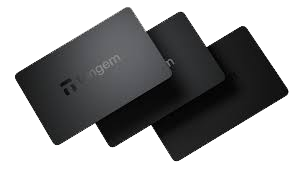
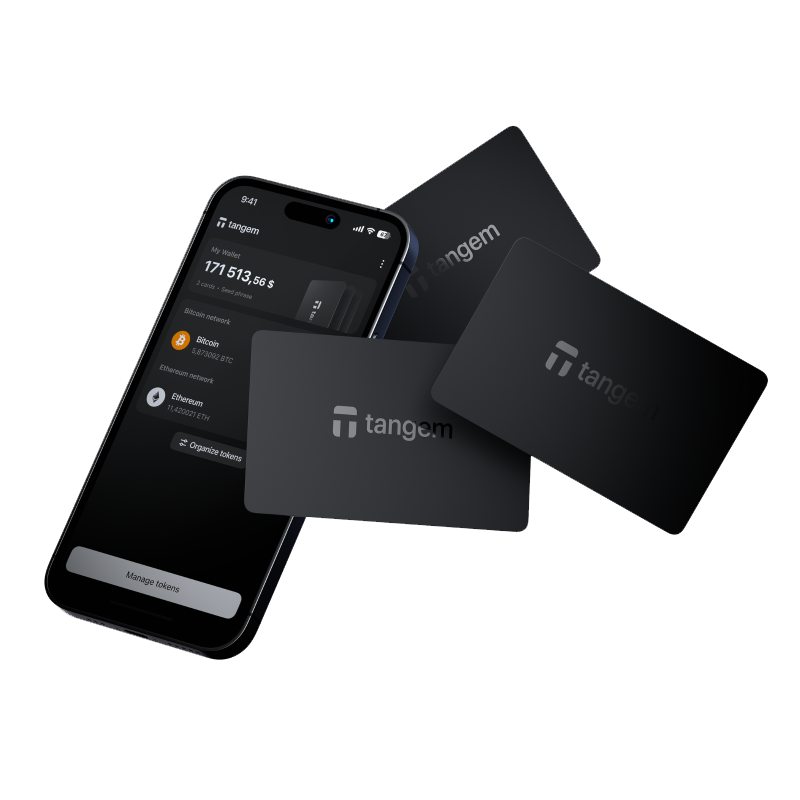
Tangem hardware wallet card - Shepley Capital

1. Before You Unbox Your Tangem

Before You Unbox, Do These Checks:

Buy only from official or authorised sources

Tangem cards should be purchased either from Tangem directly or verified resellers. This prevents receiving tampered cards.

Inspect the packaging

Tangem uses sealed blister packaging. Look for:

  • Clean, sealed plastic
  • No punctures or glue marks
  • No signs the card was removed or swapped


If anything looks off, stop and contact support.

Confirm your card count

Tangem usually sells wallets in 1, 2 or 3 card sets.
Multi card sets act as backup cards. Confirm you have the correct number before proceeding.

Prepare a clean, private setup environment

Even though Tangem removes seed phrases entirely, privacy still matters.
Make sure no one else is watching when you initialise your cards.

Update your smartphone

Ensure your phone has:

  • NFC enabled
  • The latest Tangem app
  • Good battery level


Tangem is mobile only, so your phone plays a crucial role.

2. Unbox Your Tangem

Carefully unbox your Tangem Wallet.
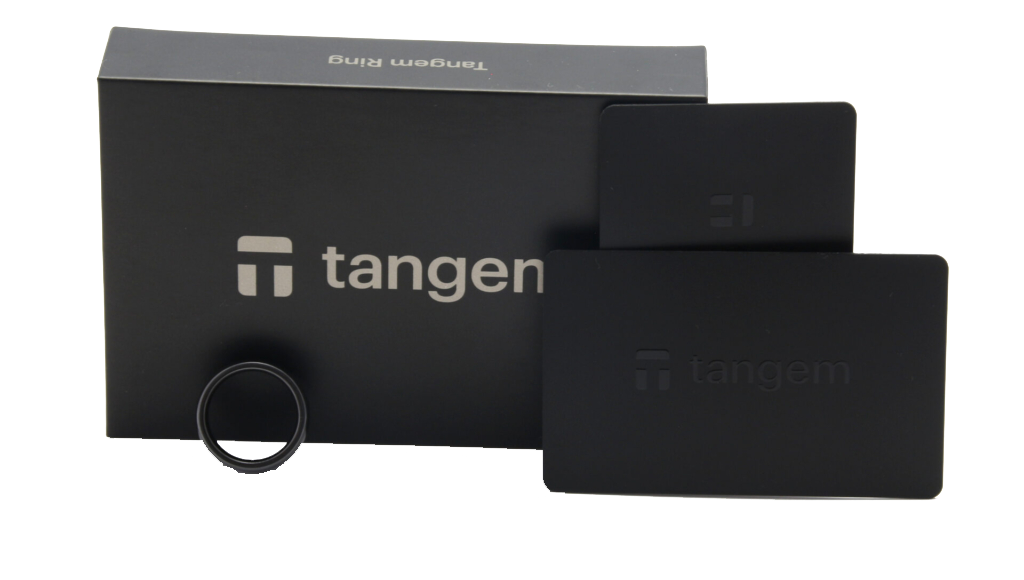
Inside you’ll find:

  • Your Tangem card or card set
  • A quick setup guide
  • A QR code linking to the official app


Make sure that you don’t damage or bend the card.

Unboxing Tangem hardware wallet cards

3. Launching Your Tangem

Download the Tangem App

Search for Tangem on the iOS App Store or Google Play Store.

  • Make sure to Install the official app.
  • Open the app and allow NFC access when prompted.

When the app opens, tap “Scan” and hold your Tangem card flat against the NFC reader area on the back of your phone. Keep it still until the app recognises the card. On first scan, the app will walk you through creating a wallet on the card itself — the private key is generated and stored directly on the card’s secure chip and never leaves the device. Once the wallet is created and the app confirms the card is set up, your Tangem is ready to receive cryptocurrency.

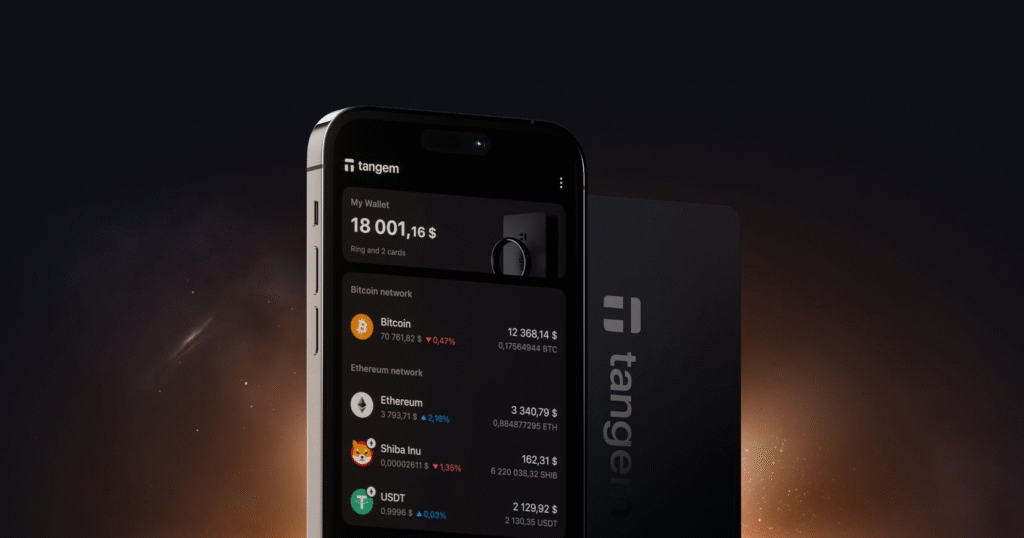
Tangem app interface for managing crypto

4. Tap Card to Begin Initialisation

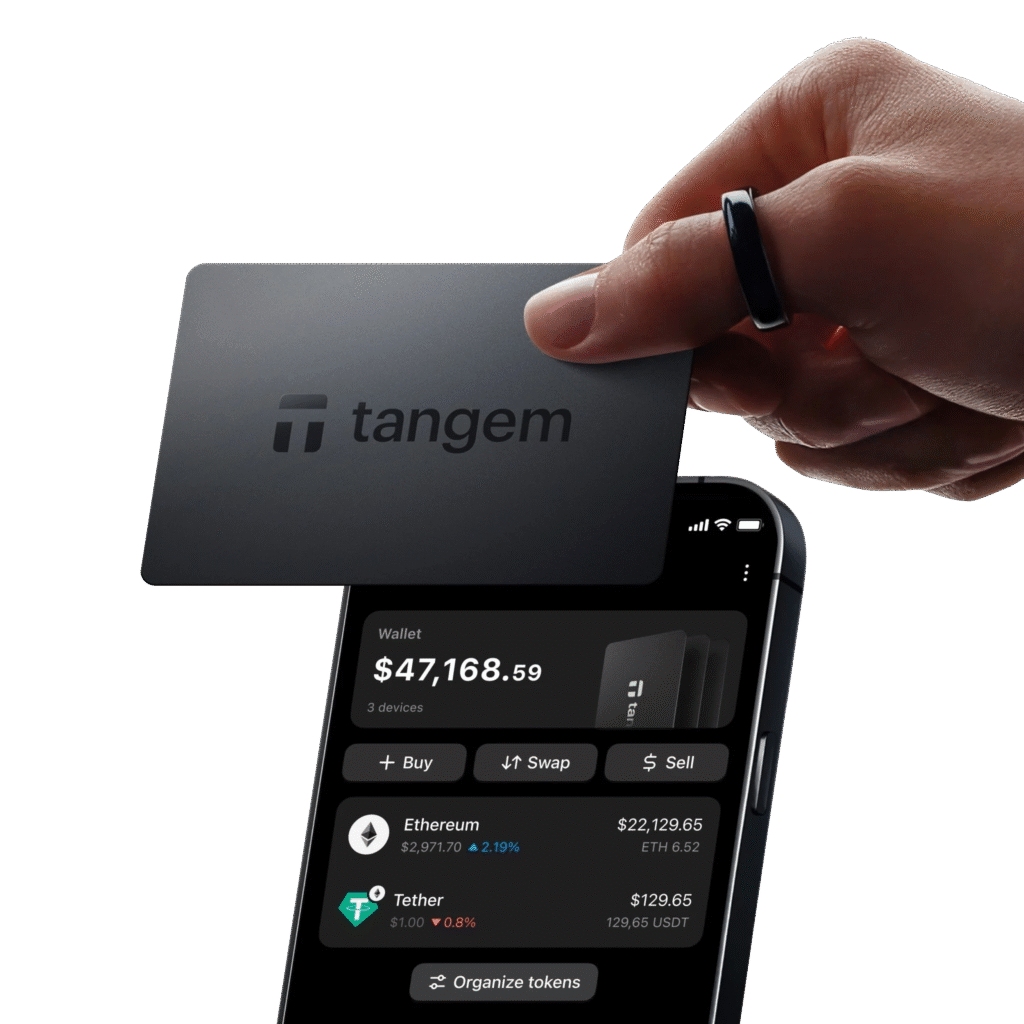
With the app open, tap your Tangem card on the back of your phone. Your phone will recognise it instantly.

Select Create Wallet.

The app will begin generating your private keys inside the card’s secure chip, never on your phone, never on a server.

Tapping Tangem card to phone via NFC for access

5. Create Your Security PIN

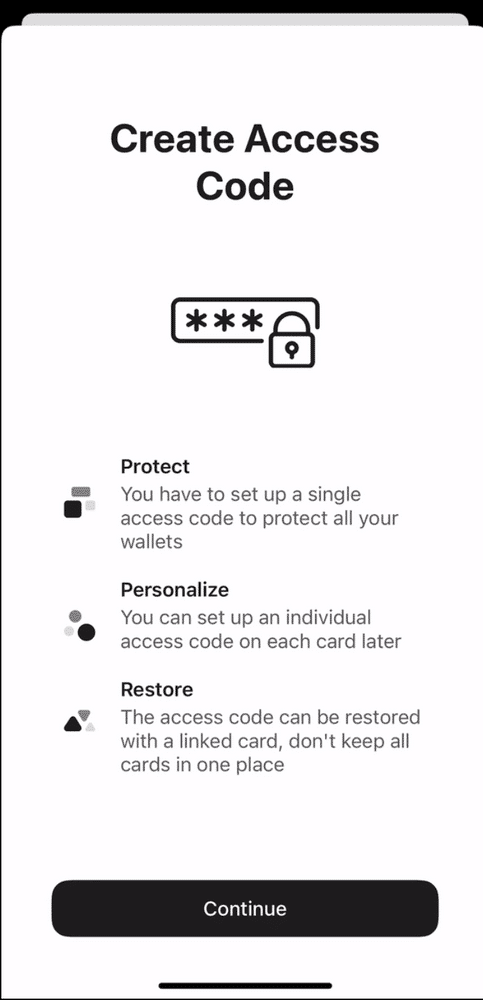
Tangem uses a PIN instead of a seed phrase.

Choose a PIN and confirm it. This protects the card if someone physically steals it.

Important notes:

  • Make it memorable
  • Do not store it digitally


Losing the PIN means losing access to that card.

Setting a PIN on Tangem hardware wallet

6. Activate Backup Cards (If You Have Them)

If you purchased a 2 or 3 card pack:

  • Tap the next card
  • The app will pair it with the same private keys
  • Continue until all backup cards are linked

Backup cards act as duplicates. If your main card is lost, broken, or stolen, the backup card continues where it left off.

This redundancy is one of Tangem’s biggest strengths.

Setting up Tangem hardware wallet card

7. Add Your Crypto Assets

Tangem supports BTC, ETH, SOL, XRP, MATIC, BNB and many more.

Inside the app:

  • Select Add Asset
  • Choose the networks you want to use
  • Your card will be ready instantly

No waiting, no syncing, no seed phrase writing.

Before sending larger amounts to your Tangem wallet, conduct a test transaction with a small amount first. Send a minimal amount, confirm it arrives in the Tangem app, and verify the balance has updated correctly before transferring larger sums. This two-step approach applies to any new wallet address you have not used before and takes only a few minutes. It eliminates the risk of sending a large amount to an address with a configuration issue or input error that would not be discoverable until after the transfer is made.

8. Receive & Send Crypto

To receive crypto:

  • Open the app
  • Select the asset
  • Tap Receive
  • Copy or share your address
  • Or show the QR code

You can verify each address directly inside the app because the wallet signs all operations via NFC.

Before receiving a large amount, test with a small deposit first.

To send funds:

  • Select the asset
  • Enter the recipient address
  • Set your fee
  • Tap your Tangem card on the phone
  • Approve the transaction with your PIN

Your card signs the transaction internally and securely.

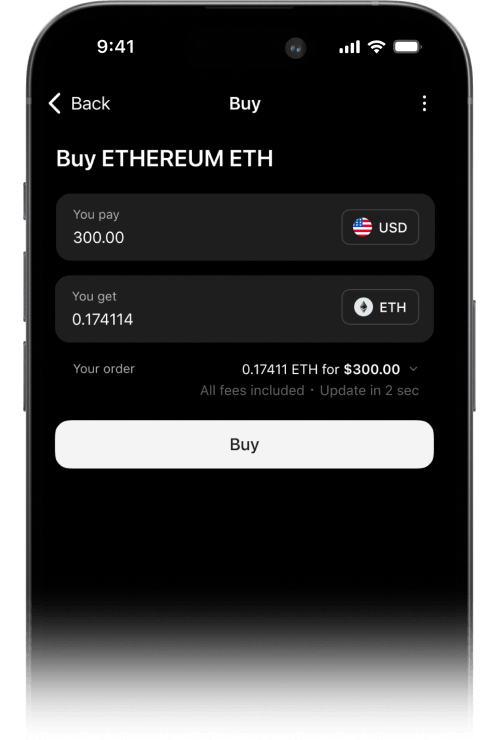
Buying and selling crypto through Tangem app

9. Final Security Steps

To complete your proper cold storage setup, do the following:

Store your cards in separate locations

Treat each card like a key.
Do not keep all backup cards together.

Turn on additional security settings

Inside the app, you can:

  • Require PIN for all actions
  • Enable passcode retries
  • Enable security delays

Keep your phone secure

Since Tangem relies on your phone for interface:

  • Use a strong phone passcode
  • Keep your OS updated
  • Avoid installing sketchy apps

Never photograph or share your card numbers

Your physical card is the asset. Protect it like cash or gold.

Your Tangem Wallet is Ready!

Frequently Asked Questions

What is the Tangem wallet?

Tangem is a hardware wallet in the form of a smart card, roughly the size of a credit card. It stores private keys in a secure chip embedded in the card and pairs with a smartphone app via NFC to sign transactions without exposing the key.

How do I set up a Tangem wallet?

Download the Tangem app, tap your Tangem card to your phone via NFC, follow the on-screen prompts to create a wallet, record your backup options, and set up a PIN. Tangem can optionally generate a seed phrase or operate without one depending on your preference.

Does the Tangem wallet use a seed phrase?

Tangem offers the option to use a seed phrase or to operate as a seedless wallet with a card-only backup using multiple cards. Without a seed phrase, you recover your wallet using backup cards purchased as a set. Each approach has different trade-offs for security and convenience.

Is Tangem secure?

Tangem uses a certified secure element chip to store private keys. The key never leaves the card, and all signing happens within the chip. The card-based form factor eliminates cable and software attack vectors common in USB hardware wallets.

What are the advantages of a Tangem wallet over traditional hardware wallets?

Tangem is compact, durable, requires no charging, has no cables or display to maintain, and is water and dust resistant. Its card form factor makes it easy to carry and set up quickly. It suits users who want simple cold storage without technical complexity.

What cryptocurrencies does Tangem support?

Tangem supports a large and growing list of cryptocurrencies including Bitcoin, Ethereum, Solana, and thousands of tokens across multiple blockchains. Check the Tangem app or official website for the current full asset list.

What happens if I lose my Tangem card?

If you purchased a multi-card set, the backup cards can be used to access your wallet. If you enabled seed phrase backup, you can restore to any compatible wallet. Without backups, funds are permanently inaccessible if the card is lost.

Where should I buy a Tangem wallet?

Purchase only from the official Tangem website or authorised resellers to avoid counterfeit or tampered hardware. Reseller options for Australia are listed on the Tangem website.


WRITTEN & REVIEWED BY Chris Shepley

UPDATED: AUGUST 2026

Choose your next topic from our Cryptopedia​

Grow your crypto portfolio with the latest insights, straight to your inbox!

Join 10,150+ CEOs, Business Owners, Parents, Students, & more receiving actionable crypto insights to grow their portfolios.