Two Factor Authentication
What is Two Factor Authentication?
Two-Factor Authentication (2FA) is an extra layer of security designed to ensure that only you can access your crypto accounts or wallets, even if someone else knows your password.
It works by requiring two forms of verification before granting access:
- Something you know: your password or PIN.
- Something you have: such as a code from your phone, an authenticator app, or a hardware device.
By combining both forms of security together, 2FA drastically reduces the risk of unauthorised access. Even if a hacker obtains your password, they can’t log in without your second verification factor.
Both in and out of the crypto world, 2FA is one of the simplest yet most effective security tools available, and should be enabled on every exchange, wallet, and account that supports it.
How Does Two Factor Authentication Work?
When you enable 2FA, you link your account to an authenticator method. Each time you log in or make a transaction, the system will ask for a temporary code from that method. Usually this code is on a timer, resetting every 30 seconds continuously.
Here’s how it typically works:
- You enter your username and password.
- The platform asks for a 2FA code.
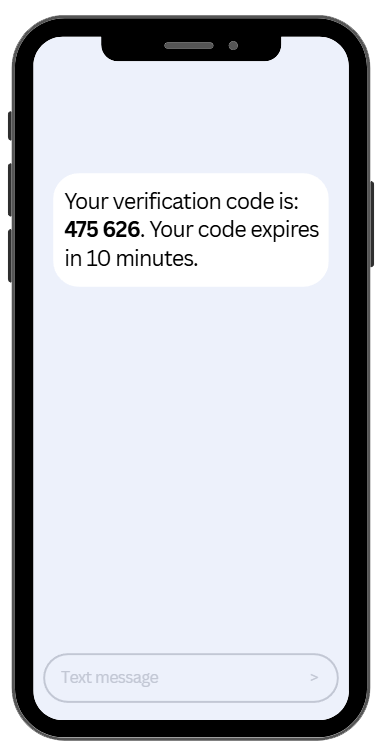
- You open your authenticator app or receive a text message containing a 6-digit code.
- You enter the code within the given time window (usually 30 seconds).
Once verified, access is granted.
Even if an attacker has your login credentials, they can’t access your account without the live 2FA code.
Types of Two-Factor Authentication
Not all 2FA methods offer equal protection. Here’s a breakdown of the most common types:
App-Based 2FA
Uses apps like Google Authenticator, or Microsoft Authenticator.
- The app generates time-based codes that refresh every 30 seconds.
Works offline and is resistant to phishing attacks.
Best for: Exchanges, wallets, and high-value accounts.
SMS-Based 2FA
Sends a one-time code via text message.
Easy to use but less secure, as SIM-swapping attacks can intercept messages.
Best for: Basic protection on low-risk accounts.
Hardware-Based 2FA
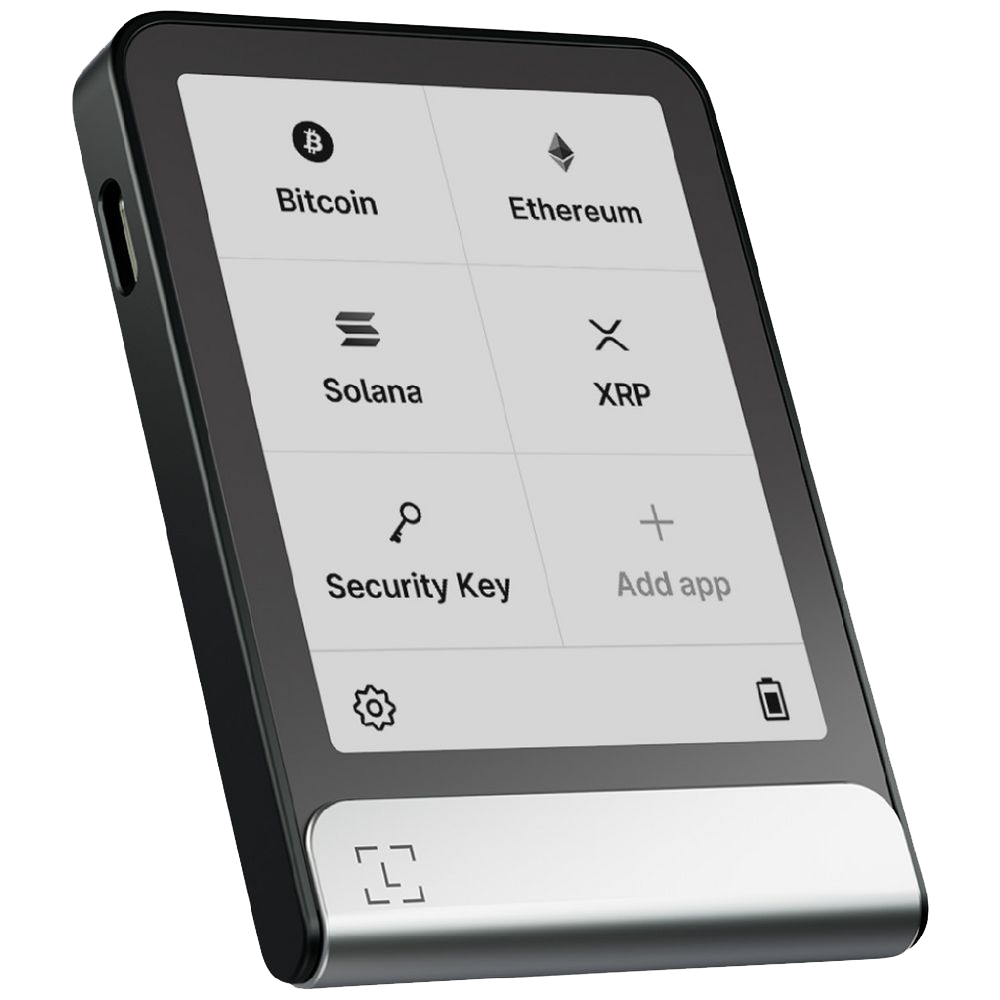
Uses a physical device like a Ledger hardware wallet or Trezor for verification.
Offers the highest level of protection since it requires physical possession.
Best for: Professionals, traders, and long-term crypto holders.
How to Set Up Two Factor Authentication
This is the typical approach to setting up two factor authentication:
- Go to your account’s security settings
Look for “Enable 2FA” or “Two-Factor Authentication.”
- Select your preferred method
Choose an authenticator app or hardware device whenever possible.
- Scan the QR code
Use your authenticator app to scan the QR code displayed.
- Save your backup codes
These let you regain access if your device is lost. Store them securely offline.
- Confirm setup
Enter the generated code to verify and complete the process.
Once enabled, you’ll need to provide a 2FA code each time you log in, withdraw, or change account settings. Whilst some may find this quickly becomes a nuisance, most people are willing to take the extra steps to ensure security and peace of mind.
Benefits of Using Two Factor Authentication
✅ Stronger security: Protects your account even if passwords are compromised.
✅ Prevents phishing: Hackers can’t log in without the second factor.
✅ Protects withdrawals: Many exchanges require 2FA before approving transactions.
✅ Peace of mind: Adds another wall between your assets and attackers.
Limitations & Risks of Two Factor Authentication
While 2FA should be seen as an essential, it’s not a bulletproof security net:
- Losing access to your authenticator app without backup codes can lock you out.
- SMS-based 2FA is vulnerable to SIM-swap attacks.
- Fake 2FA prompts on phishing websites can trick users into giving codes to hackers.
Always double-check URLs, keep backup codes offline, and avoid SMS where possible.
What To Do If You Lose Two Factor Authentication Access
If you lose access to your 2FA device or authenticator app:
- Use your backup codes to log in. Most authenticator apps should give you backup codes in case of an event like this.
- Re-enable 2FA on your new device as soon as access is restored.
Remember to never share backup codes or 2FA details with anyone.. Especially people claiming to be “support.”
Two factor authentication is one of… if not the strongest & most effective first lines of defense in crypto security. Although it doesn’t replace a strong password, it helps to significantly reduce your risk of being hacked.
It’s highly recommended that if you haven’t yet activated 2FA on your chosen exchange, wallet, or platform… you should consider doing so today.