
Frequently Asked Questions
What is the Tangem wallet?
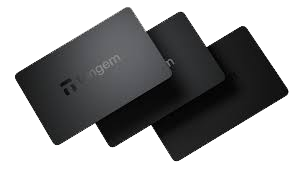
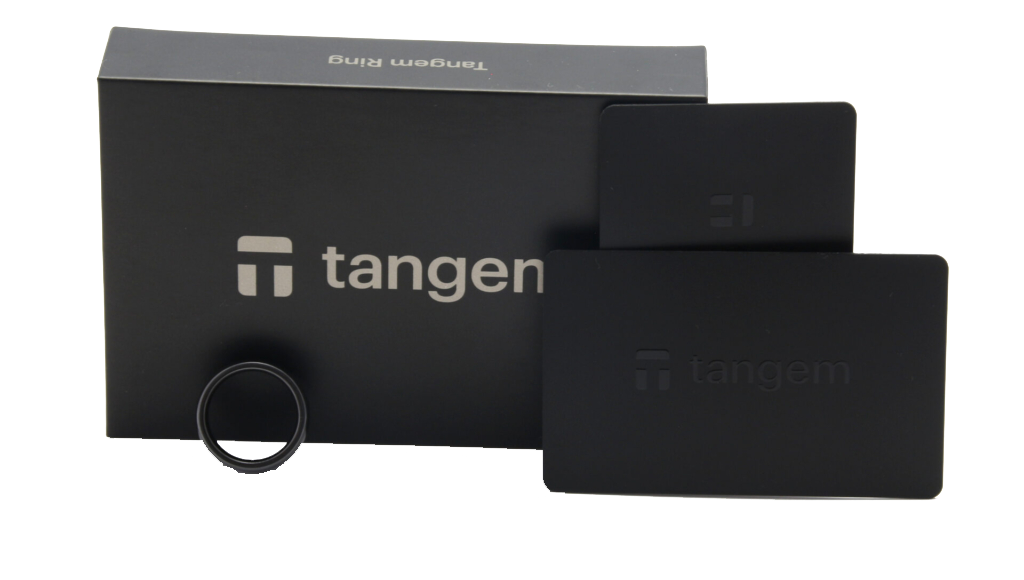
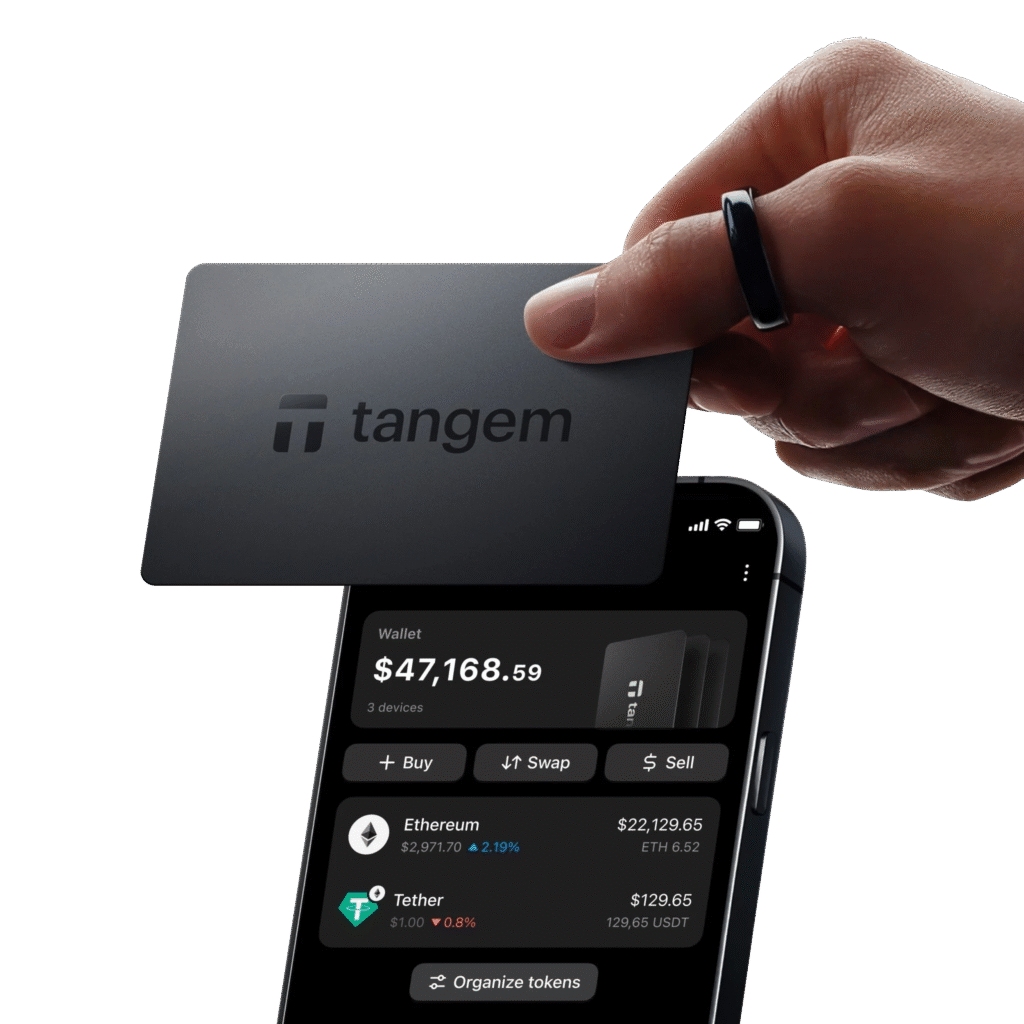
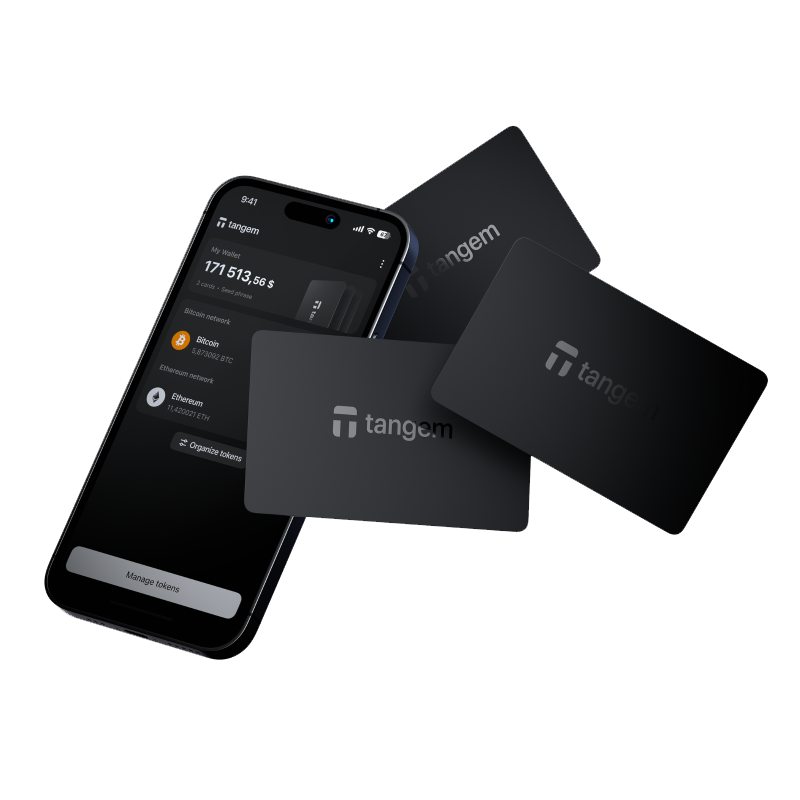
Tangem is a hardware wallet in the form of a smart card, roughly the size of a credit card. It stores private keys in a secure chip embedded in the card and pairs with a smartphone app via NFC to sign transactions without exposing the key.
How do I set up a Tangem wallet?
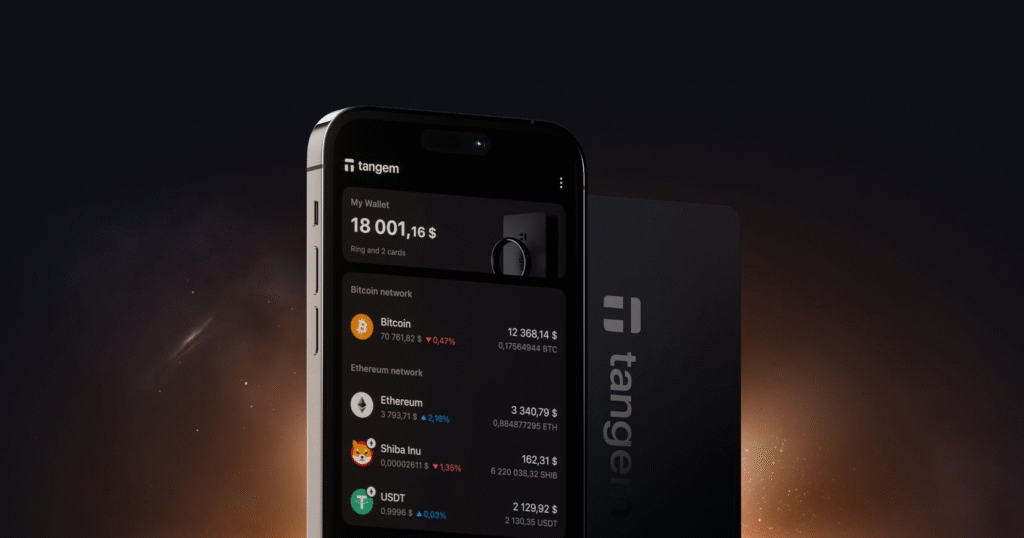
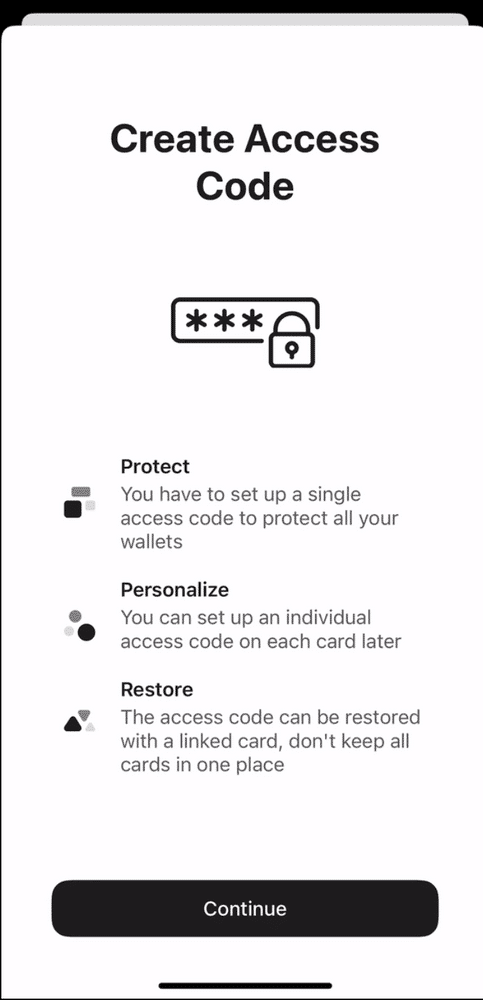
Download the Tangem app, tap your Tangem card to your phone via NFC, follow the on-screen prompts to create a wallet, record your backup options, and set up a PIN. Tangem can optionally generate a seed phrase or operate without one depending on your preference.
Does the Tangem wallet use a seed phrase?
Tangem offers the option to use a seed phrase or to operate as a seedless wallet with a card-only backup using multiple cards. Without a seed phrase, you recover your wallet using backup cards purchased as a set. Each approach has different trade-offs for security and convenience.
Is Tangem secure?
Tangem uses a certified secure element chip to store private keys. The key never leaves the card, and all signing happens within the chip. The card-based form factor eliminates cable and software attack vectors common in USB hardware wallets.
What are the advantages of a Tangem wallet over traditional hardware wallets?
Tangem is compact, durable, requires no charging, has no cables or display to maintain, and is water and dust resistant. Its card form factor makes it easy to carry and set up quickly. It suits users who want simple cold storage without technical complexity.
What cryptocurrencies does Tangem support?
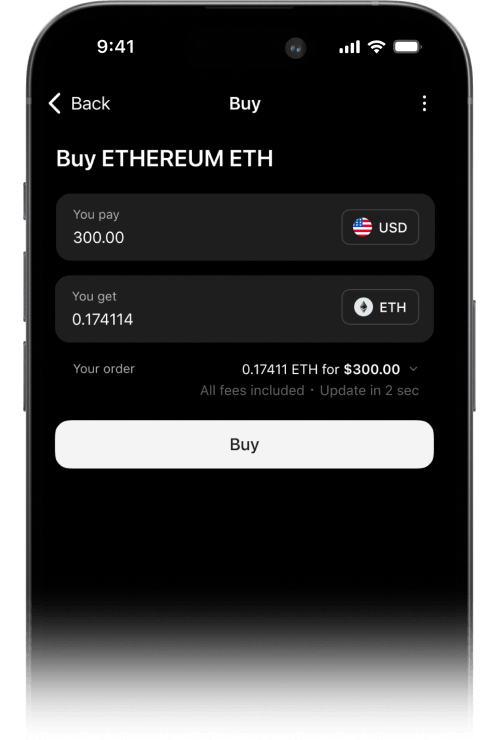
Tangem supports a large and growing list of cryptocurrencies including Bitcoin, Ethereum, Solana, and thousands of tokens across multiple blockchains. Check the Tangem app or official website for the current full asset list.
What happens if I lose my Tangem card?
If you purchased a multi-card set, the backup cards can be used to access your wallet. If you enabled seed phrase backup, you can restore to any compatible wallet. Without backups, funds are permanently inaccessible if the card is lost.
Where should I buy a Tangem wallet?
Purchase only from the official Tangem website or authorised resellers to avoid counterfeit or tampered hardware. Reseller options for Australia are listed on the Tangem website.