

Frequently Asked Questions
What is a Ledger hardware wallet?
Ledger is the world's most widely used hardware wallet brand. It stores private keys inside a certified secure element chip that never connects to the internet, protecting funds from remote hacking while allowing users to manage thousands of cryptocurrencies.
How do I set up a Ledger wallet?
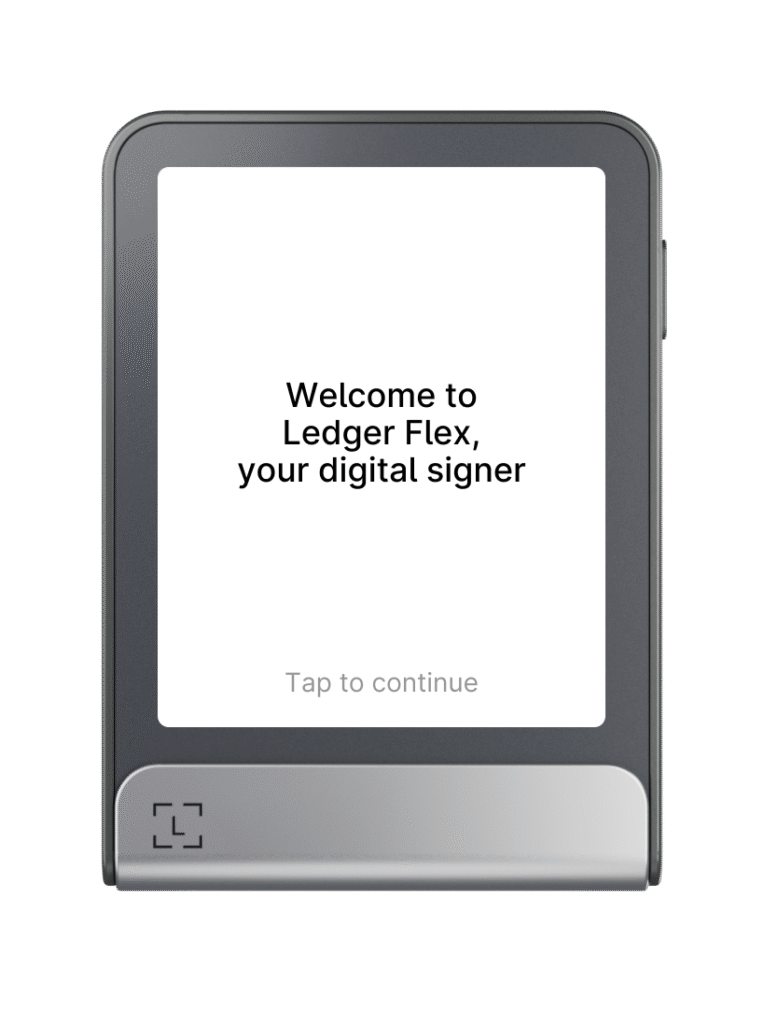
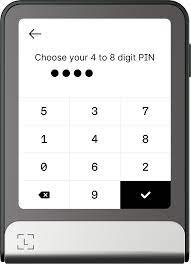
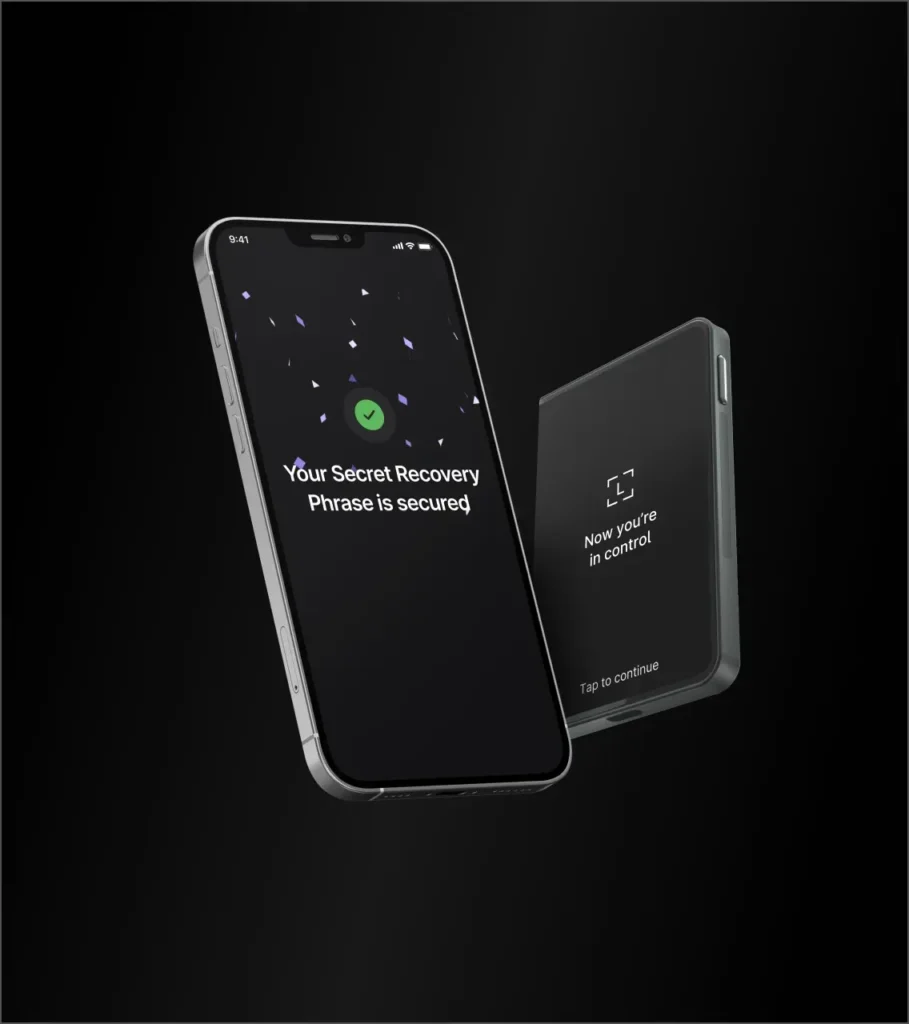
Download Ledger Live, connect your Ledger device via USB, follow the on-screen setup to create a new wallet, write down your 24-word recovery phrase carefully and in order, verify the phrase on the device, and set a PIN to complete setup.
What is the difference between Ledger Nano S Plus and Ledger Nano X?
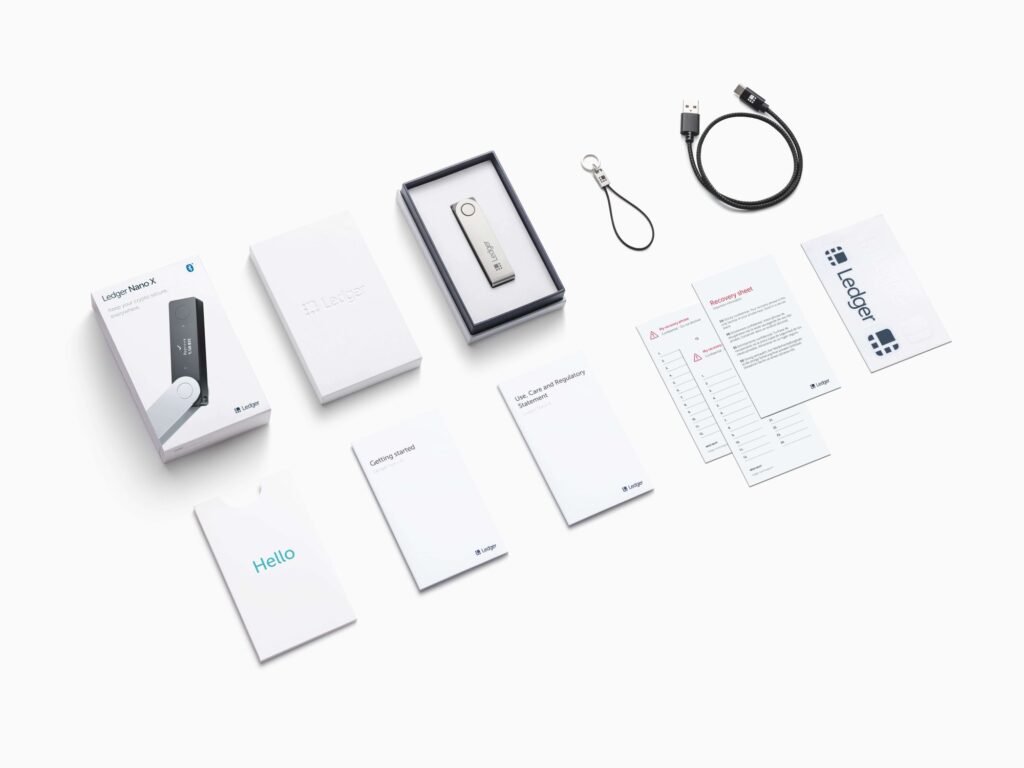
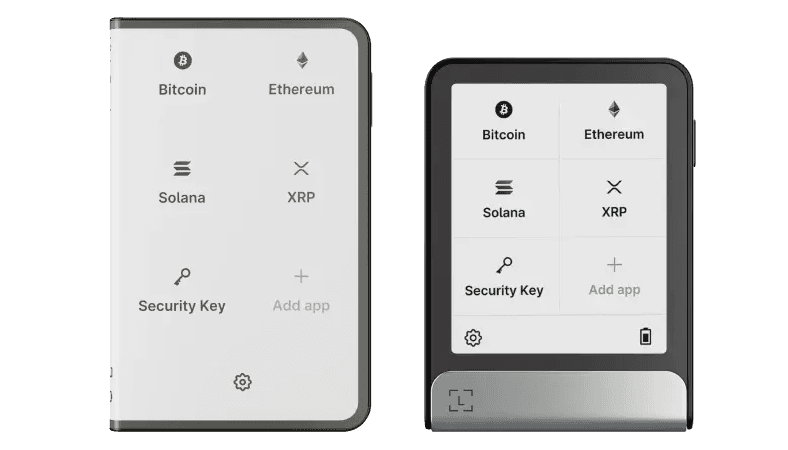
The Nano S Plus is a wired USB device with a larger screen than the original Nano S. The Nano X adds Bluetooth connectivity for mobile use and has more storage for installed apps. Both use the same secure element and recovery phrase standard.
Is Ledger safe after the 2020 data breach?
The 2020 Ledger data breach exposed customer contact information, not private keys or seed phrases. Hardware wallet security was not compromised. However, affected users became targets for phishing. The wallet itself remains secure if your seed phrase was stored safely offline.
Does Ledger support a passphrase?
Yes. Ledger devices support an optional BIP-39 passphrase as an additional security layer. This creates a hidden wallet separate from your standard wallet, protecting funds even if your seed phrase is physically discovered.
What cryptocurrencies does Ledger support?
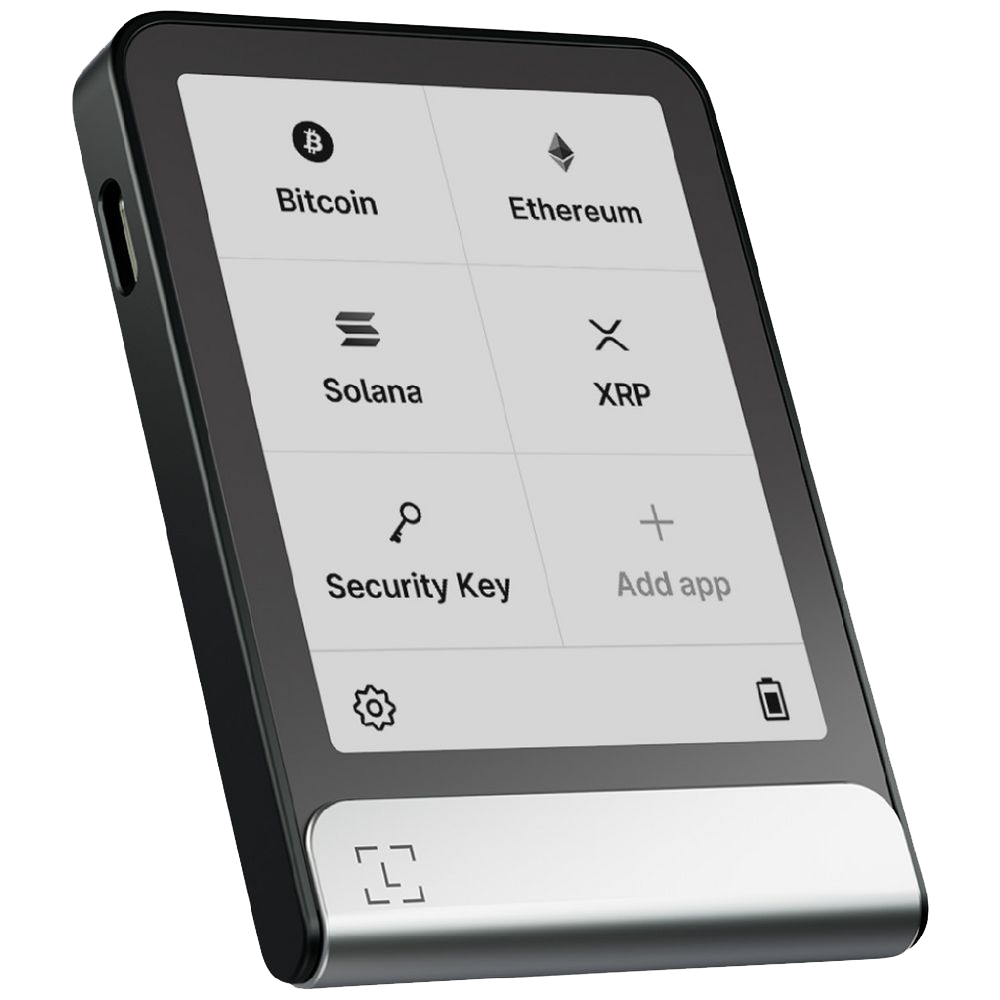
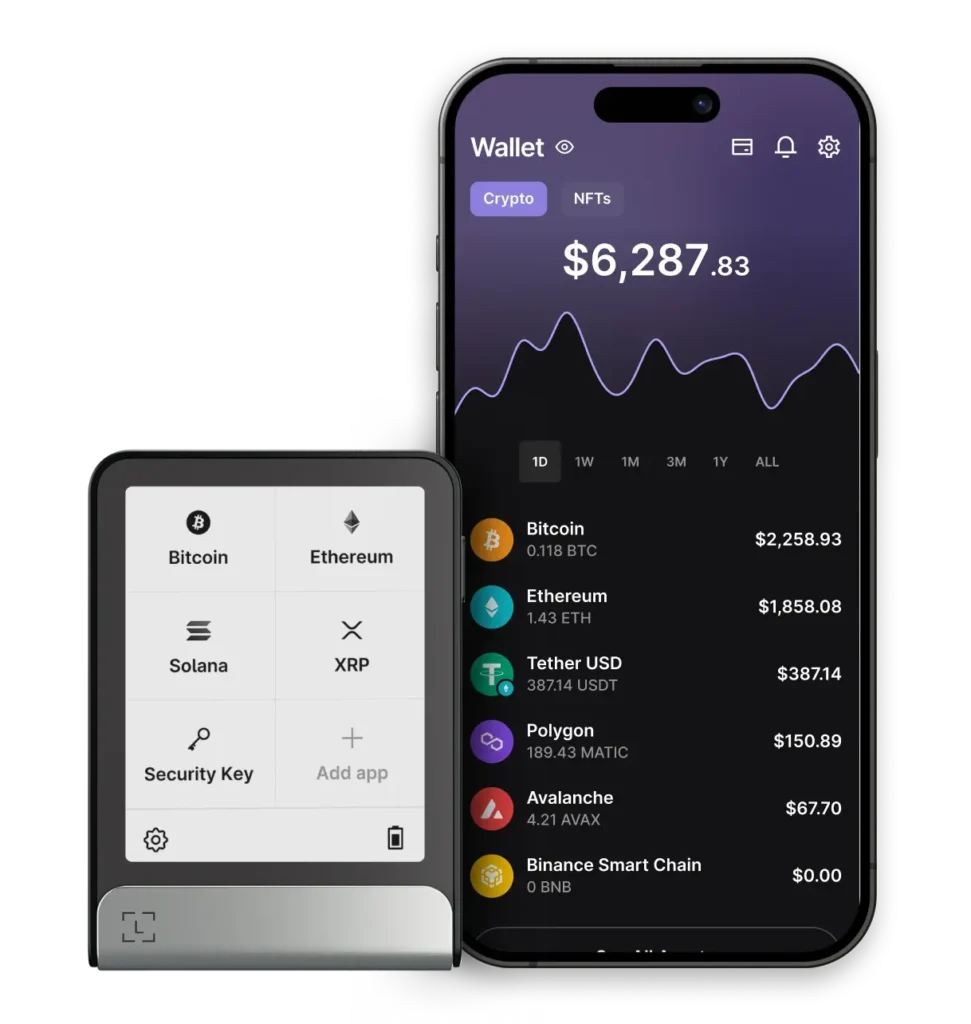
Ledger supports over 5,500 cryptocurrencies and tokens across many blockchains including Bitcoin, Ethereum, Solana, and more. Individual coin apps must be installed via Ledger Live, with the Nano X supporting more simultaneous apps than the Nano S Plus.
What should I do if I lose my Ledger device?
Your seed phrase is your backup. With it stored safely, you can restore your wallet to any new Ledger device or compatible hardware wallet. Purchase replacements only from the official Ledger website or authorised resellers.
Where should I buy a Ledger wallet?
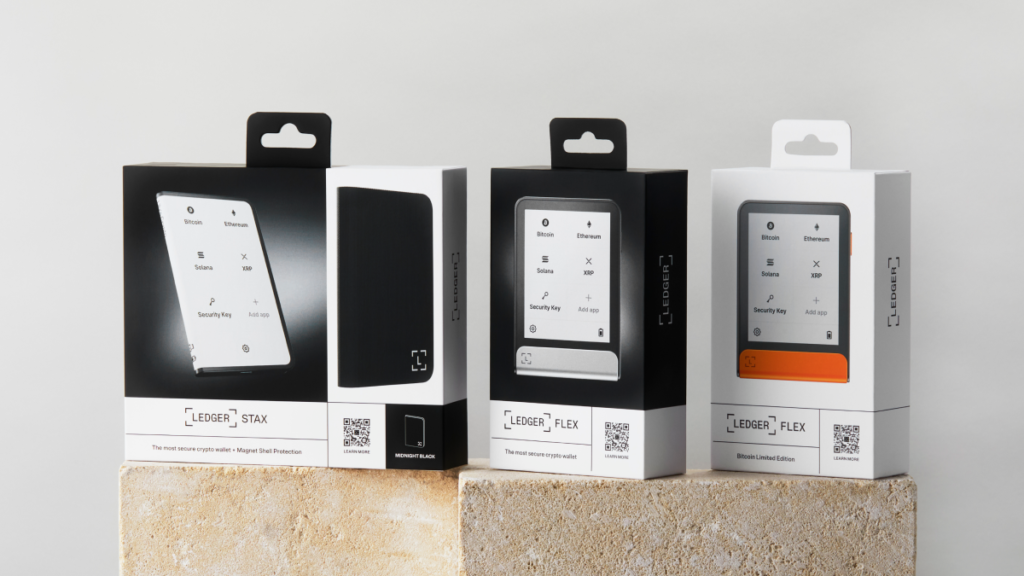
Purchase only from the official Ledger website or authorised resellers. Never buy Ledger devices from third-party marketplaces like eBay or Amazon third-party sellers, as these may have been pre-configured with compromised seed phrases.