
Frequently Asked Questions
What is the BitBox wallet?
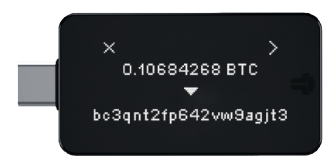
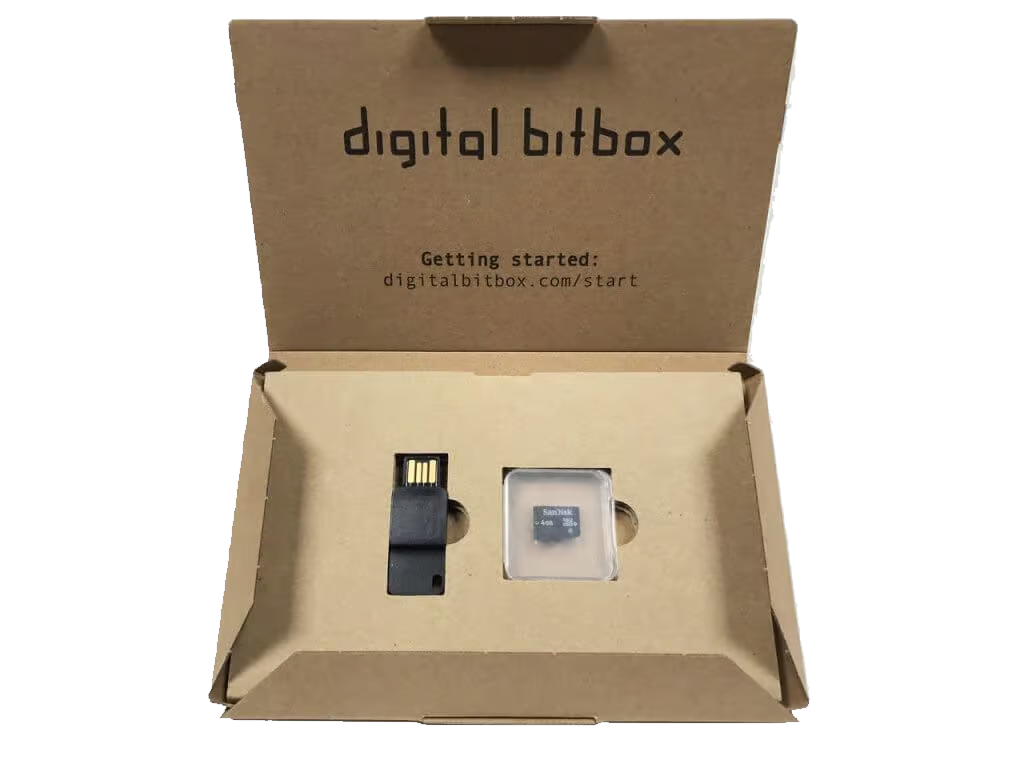
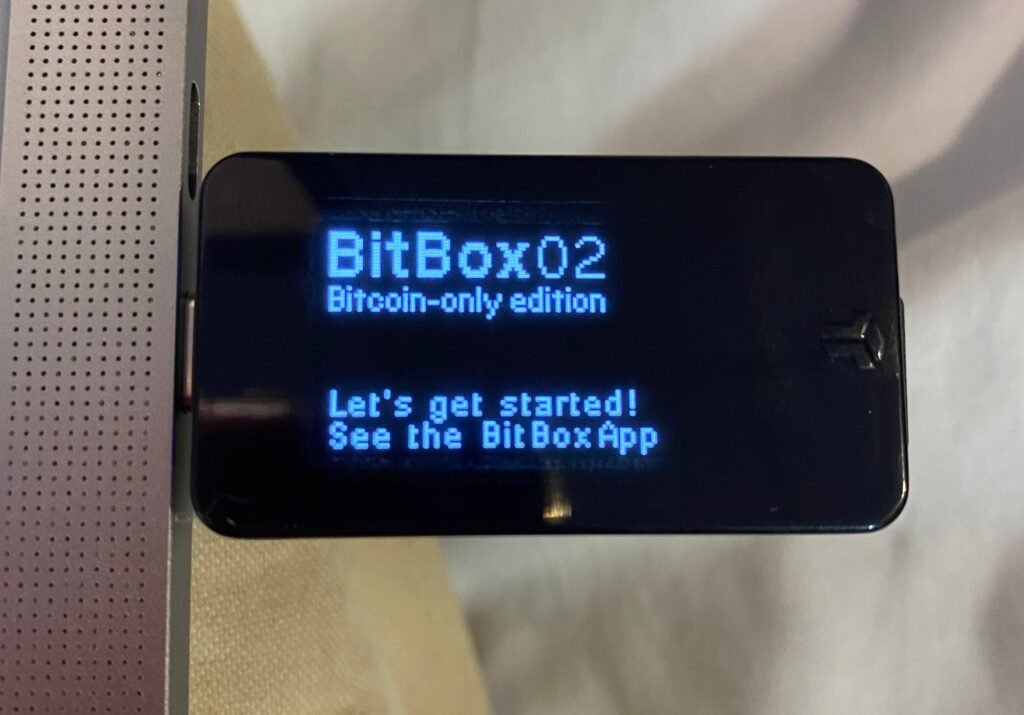
BitBox is a hardware wallet brand developed by Shift Crypto, a Swiss company. The BitBox02 is their flagship device, known for its minimalist design, open-source firmware, and strong focus on privacy and security. It comes in Bitcoin-only and multi-edition versions.
How do I set up a BitBox02 hardware wallet?
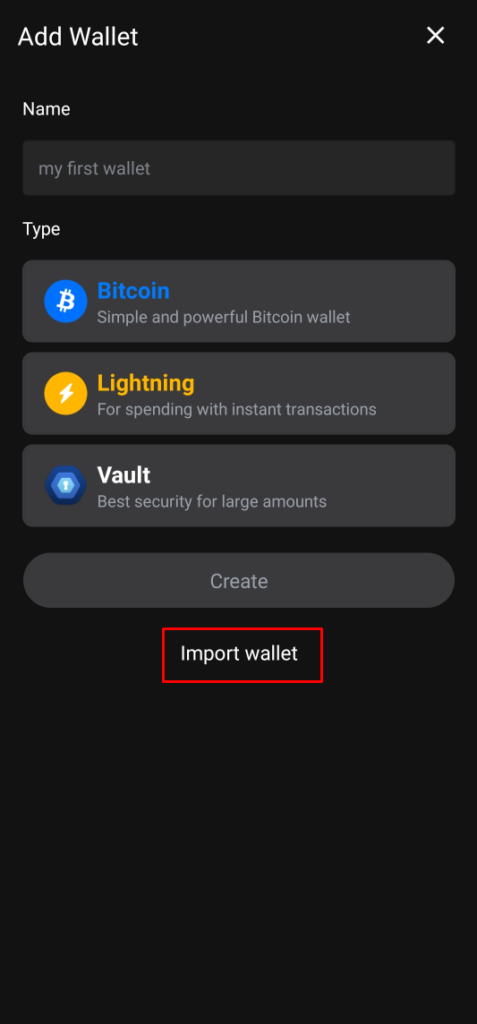
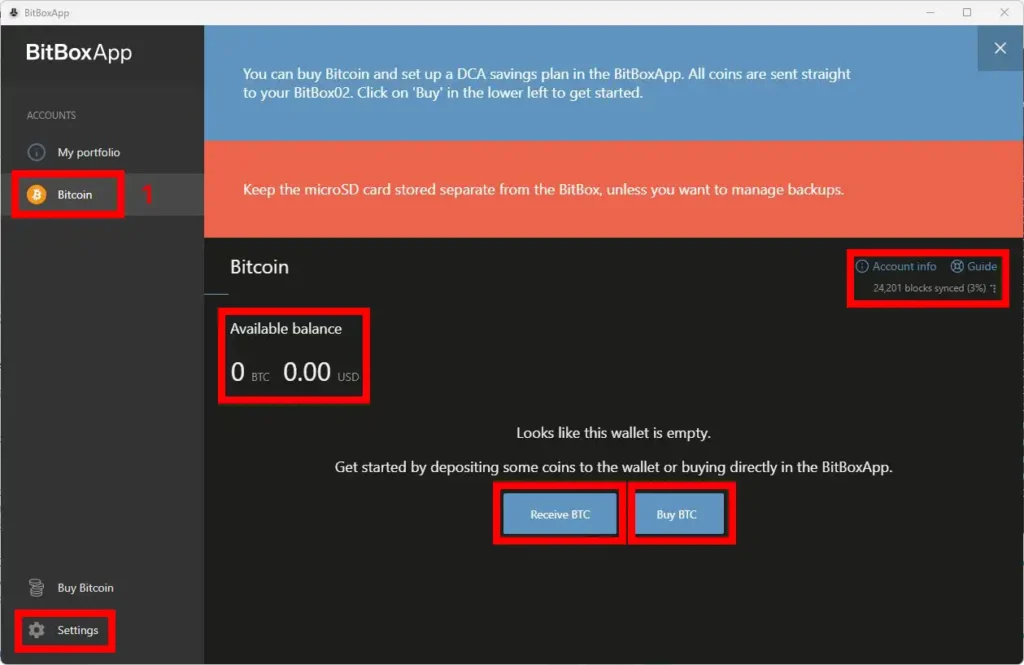
Connect the BitBox02 to your computer via USB-C, install the BitBoxApp, follow the on-screen setup wizard to create a new wallet, write down your seed phrase carefully, verify it on the device, and set a device password to complete setup.
What is the Bitcoin-only edition of BitBox02?
The Bitcoin-only edition of BitBox02 has firmware that exclusively supports Bitcoin, reducing the attack surface compared to multi-asset devices. It is recommended for users who only hold Bitcoin and want maximum security and simplicity.
Is BitBox open source?
Yes. BitBox firmware and the BitBoxApp are fully open source, allowing independent security researchers to audit the code. This transparency is considered a major security advantage over closed-source alternatives.
Does BitBox support a passphrase?
Yes. BitBox02 supports an optional BIP-39 passphrase, adding a 25th word to your seed phrase that creates a completely separate hidden wallet. This provides an additional layer of protection if your seed phrase is ever discovered.
What cryptocurrencies does BitBox02 support?
The multi-edition BitBox02 supports Bitcoin, Ethereum, Litecoin, and ERC-20 tokens. The Bitcoin-only edition is limited to Bitcoin. Check the official BitBox website for the current full list of supported assets.
What should I do if I lose my BitBox device?
As long as you have your seed phrase stored safely, you can restore your wallet on a new BitBox02 or any compatible hardware or software wallet. Purchase a replacement device only from the official BitBox website or authorised resellers.
Where should I buy a BitBox wallet?
Purchase only from the official Shift Crypto website or authorised resellers. Buying from third-party sellers risks receiving a device that has been tampered with, potentially compromising your private keys from the moment of setup.